
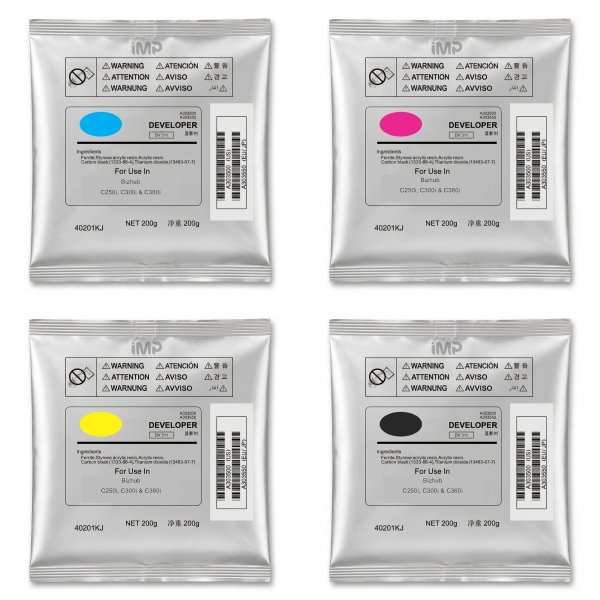
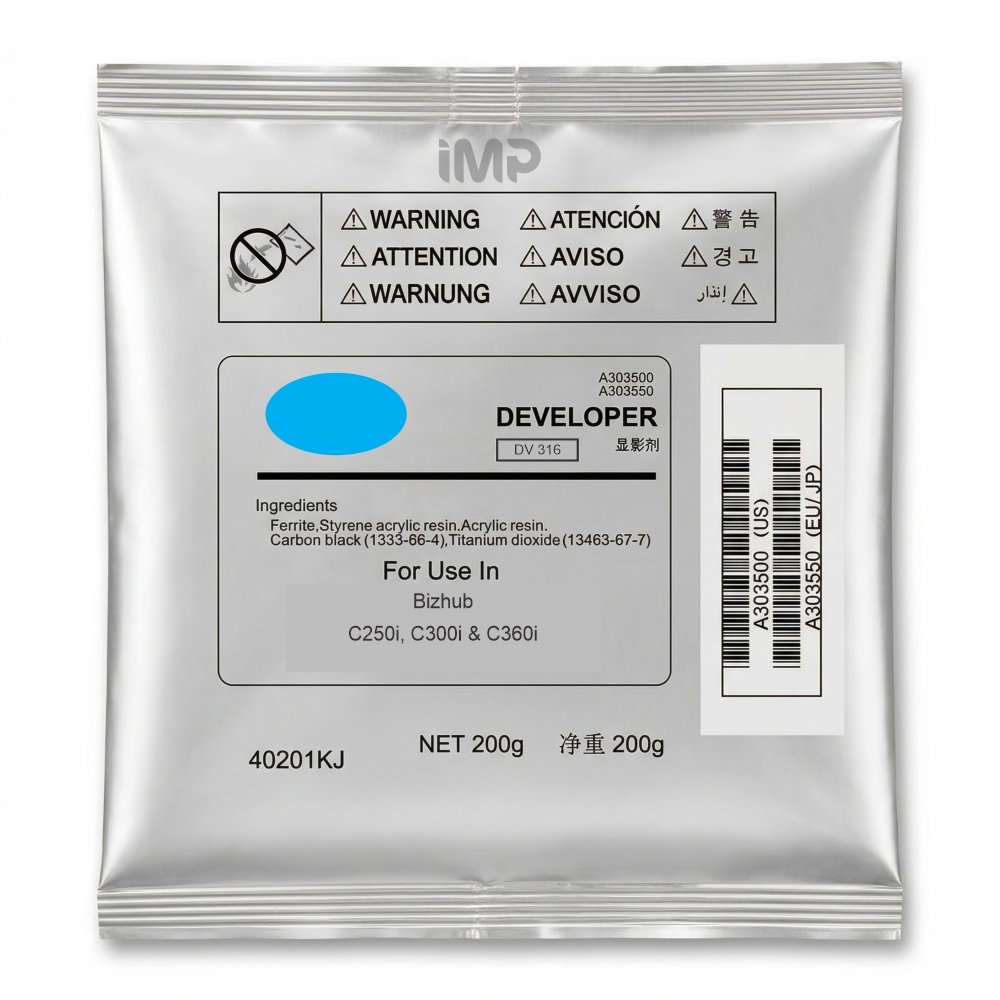
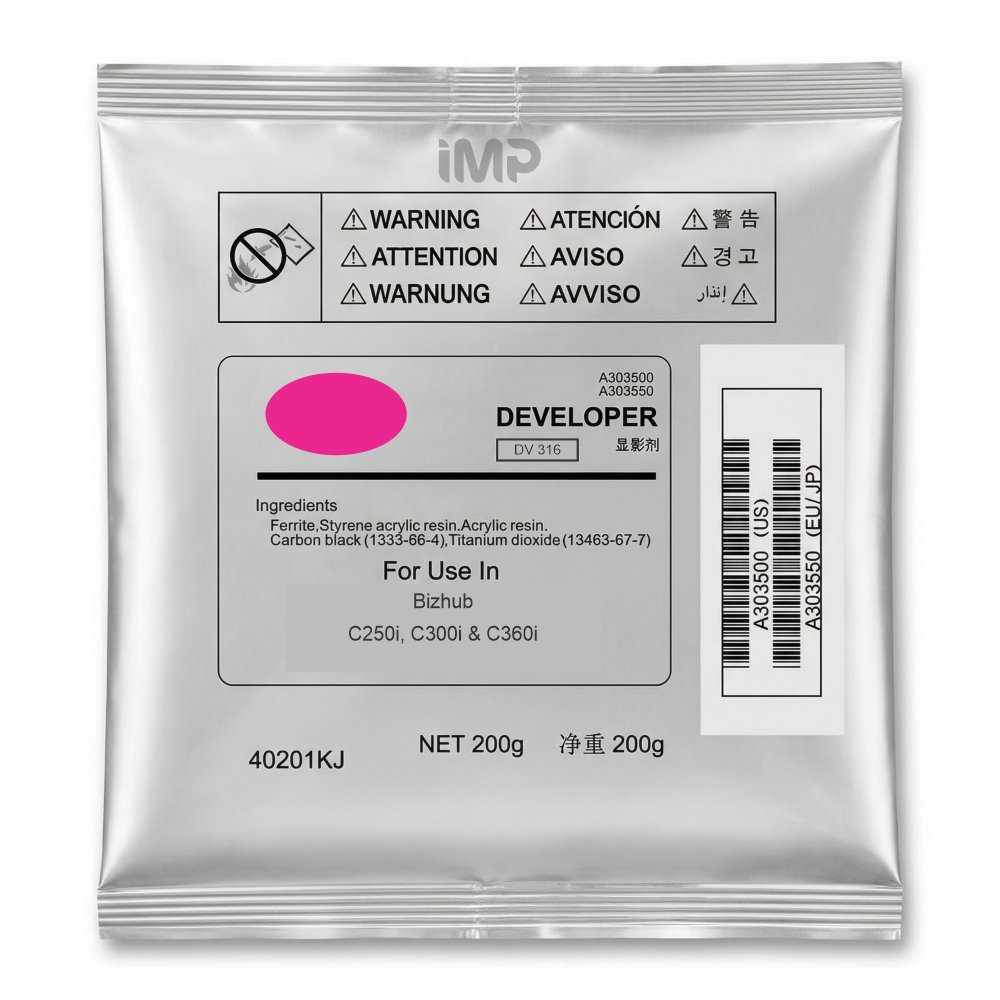
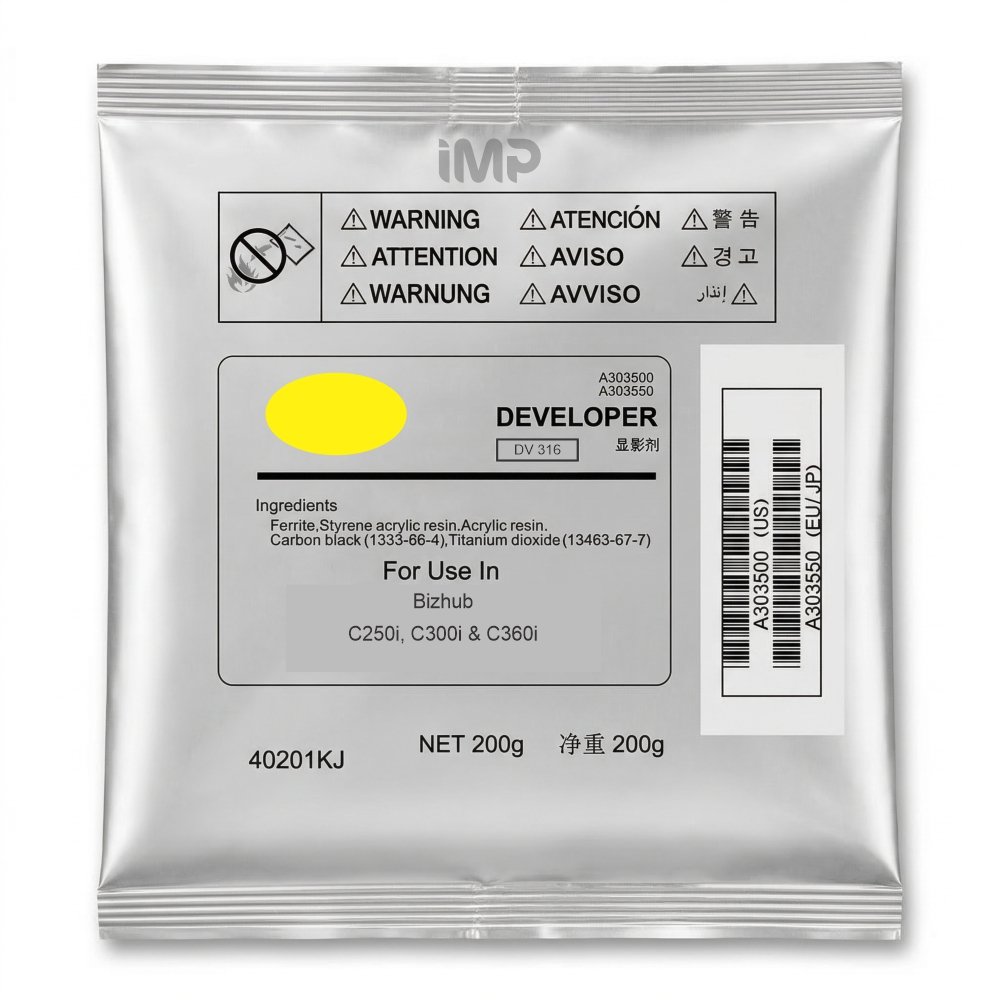
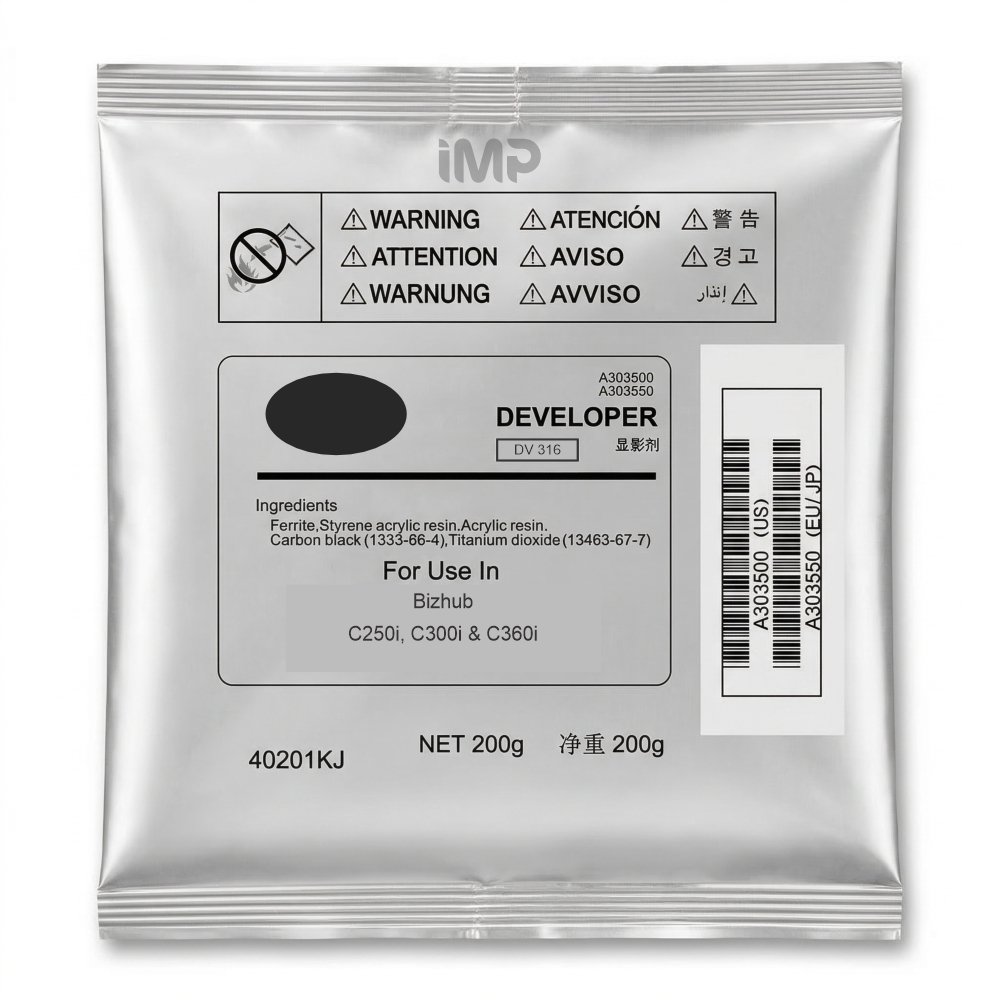
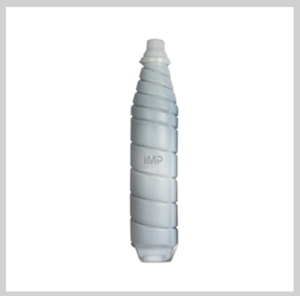
Konica Minolta C250i Developer Set – Japan-Made CMYK 200g Kit (DV-316 Compatible for Bizhub C250i, C300i & C360i)
₹4,500.00
Description
Restore vibrant commercial color accuracy and consistent toner charging with the Konica Minolta C250i Developer Set from Impetus Enterprises. Manufactured with premium Japan-made resin and precision magnetic carrier particles, this complete 4-color CMYK kit provides 200g of high-purity developer powder per color (800g total) for rebuilding DV-316 developer units cleanly.
Over high-volume printing cycles, carrier beads lose their triboelectric charge coating—resulting in pale color output, background shading, toner scattering, and density calibration errors. Refilling your housings with a fresh Konica Minolta C250i Developer Set revitalizes image transfer quality at a fraction of complete OEM developer assembly cost.
Technical Specifications for Konica Minolta C250i Developer Set
Each complete Konica Minolta C250i Developer Set contains four sealed color bottles/pouches (Black, Cyan, Magenta, Yellow) engineered to match DV-316 carrier flowability and magnetic properties.
| Color / Specification | OEM Developer Reference | Net Weight / Details |
|---|---|---|
| Black (K) Developer Powder | AAV703D (DV-316K) | 200g (Japan-Made Formula) |
| Cyan (C) Developer Powder | AAV70KD (DV-316C) | 200g (Japan-Made Formula) |
| Magenta (M) Developer Powder | AAV70ED (DV-316M) | 200g (Japan-Made Formula) |
| Yellow (Y) Developer Powder | AAV708D (DV-316Y) | 200g (Japan-Made Formula) |
| Complete Kit Weight | IMP-KM-C250I-DEV-SET | 800g Total (4 × 200g CMYK Set) |
| Material Origin | Japan Raw Material Chemical Blend | Styrene-Acrylic / Polyester Resin Carrier |
Compatible Konica Minolta Copier Categories
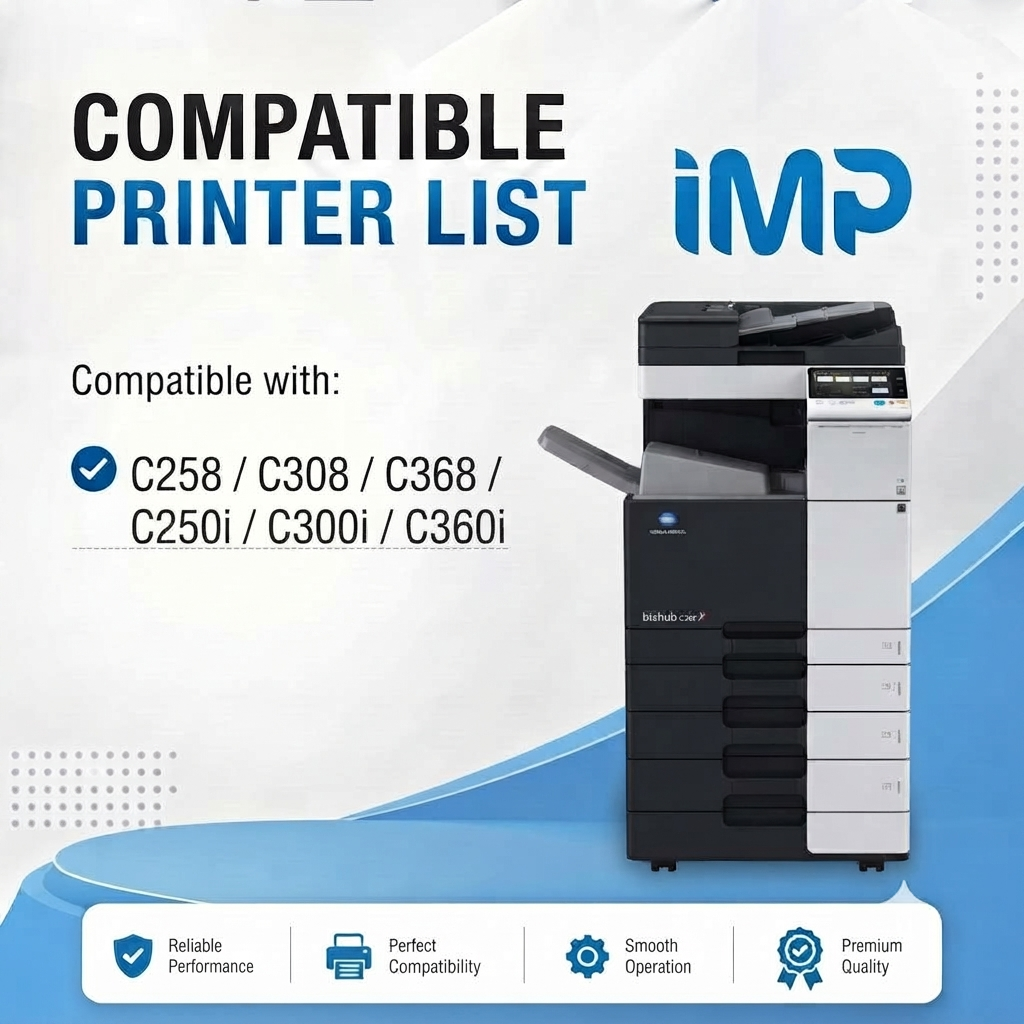
This Konica Minolta C250i Developer Set is optimized for the Bizhub i-Series and shares broad carrier compatibility across Konica Minolta Bizhub color generations:
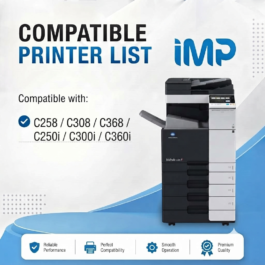
- bizhub i-Series (Primary): Bizhub C250i | Bizhub C300i | Bizhub C360i (also fits C251i / C301i / C361i)
- bizhub C-8 Series: Bizhub C258 | Bizhub C308 | Bizhub C368
- bizhub C-4 / C-0 Series: C220 | C224 | C284 | C364 | C454 | C554
- Full Brand Spares: Konica Minolta Spare Parts & Consumables
Why Choose This Konica Minolta C250i Developer Set?
- Japan-Made Carrier Formula: Precision-coated magnetic beads stabilize triboelectric charge, delivering crisp text and dense color solids without dusting.
- Complete 200g × 4 Color Kit: Refreshes all four CMYK developer housings cleanly in one purchase without buying expensive OEM assemblies.
- Protects OPC Drums & Blades: Micro-smooth carrier coating minimizes abrasion on DR-316 OPC drums and developer rollers during continuous print runs.
- Climate-Resilient Stability: Resists clumping under Indian ambient temperature and humidity variations.
- GST Invoice & Fast Dispatch: Priced at ₹4,500 with full GST Input Tax Credit invoice and pan-India courier delivery.
Technician Installation Guidelines
- Empty & Vacuum Housings: Remove all old, exhausted carrier powder and residual toner from each DV-316 developer unit (K, C, M, Y) before refilling.
- Agitate Before Pouring: Shake each 200g pack gently for 10–15 seconds to fluidize the powder before loading evenly onto the magnetic roller trough.
- Run TCR Calibration in Service Mode: After reinstalling your Konica Minolta C250i Developer Set, execute Developer Stirring and TCR Sensor Auto Adjustment in Konica Minolta Service Mode to calibrate accurate toner-to-carrier ratios.
- Store Unused Packs Properly: Keep sealed bottles/pouches in a cool, dry location under 35°C.
Frequently Asked Questions (FAQ)
Q: What is included in the Konica Minolta C250i Developer Set?
A: You receive a complete 4-color CMYK set containing 4 individual 200g packs/bottles (1× Black, 1× Cyan, 1× Magenta, 1× Yellow—800g total) compatible with DV-316 stations.
Q: Does this Konica Minolta C250i Developer Set fit Bizhub C300i and C360i?
A: Yes. Bizhub C250i, C300i, and C360i share the same DV-316 developer chemistry, and this Japan-made carrier formulation also supports C258 and C224/C220 series units when properly calibrated in service mode.
Q: What print problems does replacing developer powder fix?
A: Fresh carrier from a new Konica Minolta C250i Developer Set resolves washed-out colors, uneven density, background fogging, and toner scattering caused by stripped or contaminated old carrier.
Q: Do technicians need to adjust TCR settings after refilling?
A: Yes. Always clean out old developer completely and run the TCR sensor initialization / auto-adjust calibration routine in Service Mode after installing your Konica Minolta C250i Developer Set.
Q: Is GST billing available for print shops and B2B buyers?
A: Yes. Impetus Enterprises supplies full GST tax invoices with fast nationwide dispatch across India.
Recommended Products for Konica Minolta C250i
Pair your Konica Minolta C250i Developer Set with matching maintenance parts from our Konica Minolta Bizhub C250i category:
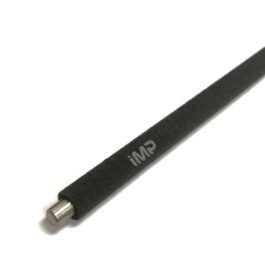
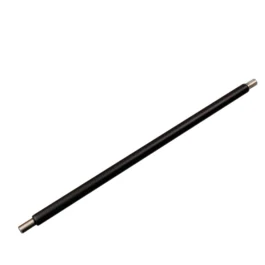
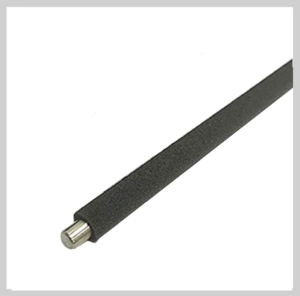
- Konica Minolta C250i Sponge Roller – Compatible Cleaning Roller
- Konica Minolta C250i PCR (Primary Charge Roller) – Compatible with C250i / C300i / C360i
- Konica Minolta Bizhub C250i Color Drum DR-316 – 1 Pcs
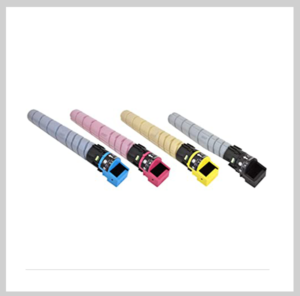
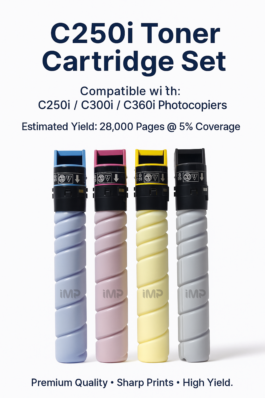
- Konica Minolta C250i Toner Cartridge Set (TN-328) – Compatible for C250i, C300i, C360i
Disclaimer
Disclaimer: All brand names, trademarks, and model designations are the property of their respective owners. Consequently, they are used here for identification and compatibility purposes only. Impetus Enterprises is not affiliated with Any Brand.
Additional information
| Weight | 0.8 kg |
|---|
Only logged in customers who have purchased this product may leave a review.
You may also like…


-
Sale!
Konica Minolta c250i PCR | Compatible with Bizhub C250i / C251i C300i / C301i C360i / C361i 300i / 360i
- Original price was: ₹1,200.00.₹450.00Current price is: ₹450.00.
- Add to cart
-
Sale!


-
Sale!
Konica Minolta C250i Toner Cartridge – Compatible for C250i, C300i, C360i | TN 328 Toner Cartridge
- Price range: ₹5,990.00 through ₹12,000.00
- Select options This product has multiple variants. The options may be chosen on the product page
-
Sale!

Related products
-
Sale!
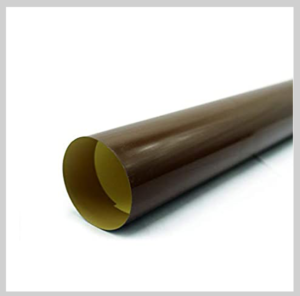
konica minolta c220, 280, 360 Fuser Film Sleeve
- Original price was: ₹3,200.00.₹2,200.00Current price is: ₹2,200.00.
- Add to cart
-
Sale!
-
Sale!
imp Compatible Konica Minolta bizhub TN622 Toner Cartridge Set (Black)
- Original price was: ₹8,990.00.₹7,691.00Current price is: ₹7,691.00.
- Add to cart
-
Sale!
Disclaimer: The products sold by IMP are high-quality compatible replacement parts. Impetus Enterprises is not affiliated with or endorsed by any original equipment manufacturers (OEMs). Any use of machine models or part numbers is strictly to demonstrate compatibility. All trademarks are the property of their respective owners.
Reviews
There are no reviews yet.